The second term has started two weeks ago, and so has the work with Khan Academy too. In our informatic class, our teacher wanted us to work with a Website in which you introduce a certain code and so you are able to “draw” whatever you want, for example wild animals. This Website is called Khan Academy. At the beginning you may get confused, however the Website is programmed to teach anyone! So don't worry if the beginning is hard! Khan Academy will show you in videos, how to do it. Afterwards you have a lot of opportunities to learn coding objects.

To make you a keen Khan Academy user, this programe uses a very productive method. Every thing you do will get points. If you watch videos on Khan Academy you will get some points. If you do some exercises you will get points too.
Compleating some projects will give you more points then watching a video, however to be able to compleat the project sucsessfully, you have to watch the videos first.

Maximal points for each task
- challenge completed: 1500 points
- video watched : 750 points
- project completed: 2100 points
Here you can see how much badges and energy points we have earned until now in Khan Academy:


1. Example of a video:
2. Challenge
This challenge is the second challenge we had to deal with in the Khan Academy. We had to build a ´waving snowman`. In this challenge the arms are the ones, that were very difficult because you have to put them on the right place. But it wasn't that easy like it looks. The arms and the bottom had to be on the right place . The arms were all the time spinning around and we were struggling ,to pick the right numbers so they stay in the place they belong.Here you can see what a challenge looks like in the Khan academy and our result :

To make this challenge, there are 3 types of codes to draw with code in Khan Academy:
- ellipse (the body from the snowman)
- line (the arms from the snowman)
- rect (the bottom were the snowman stands on)
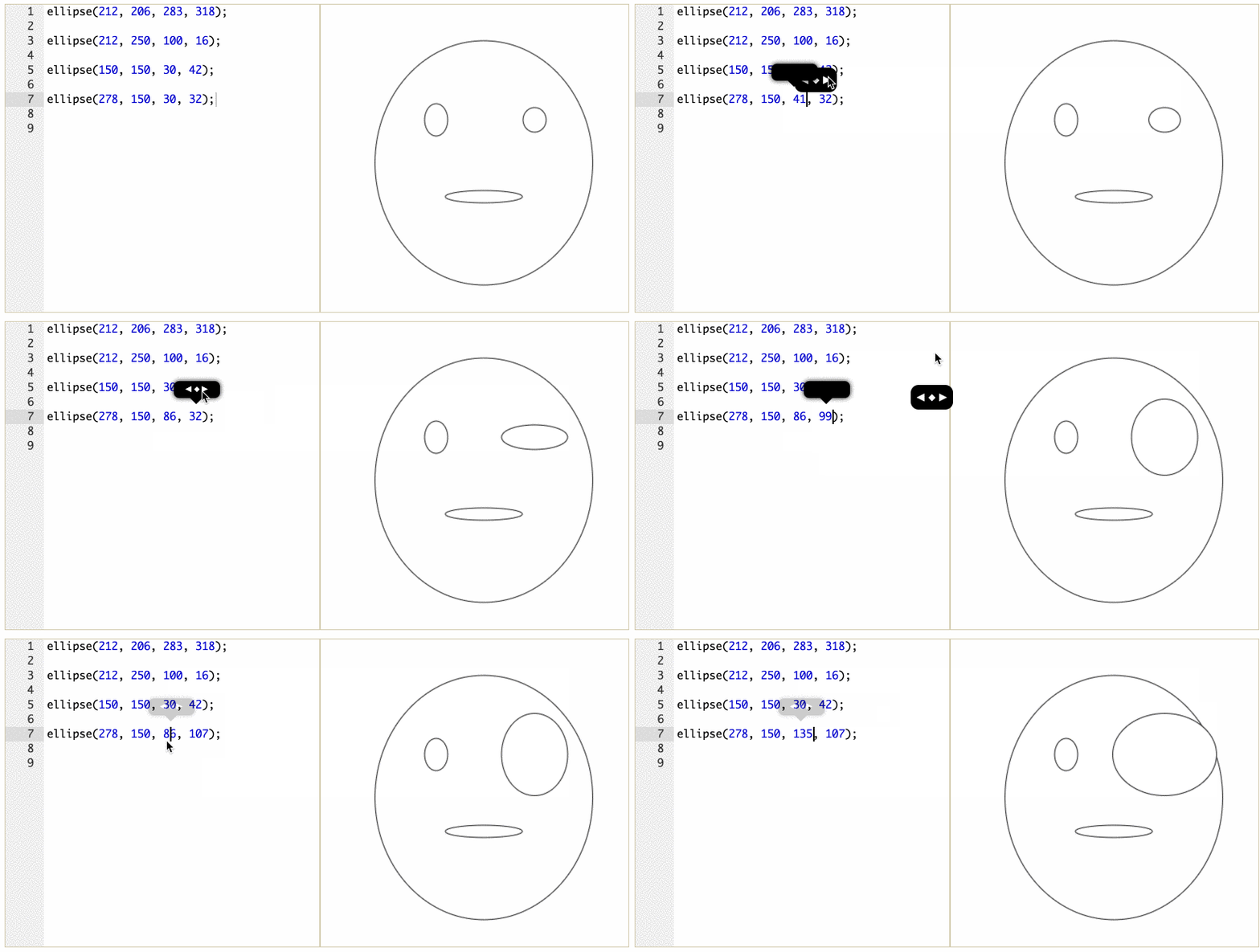
After you put a type you want to ´draw´with you put ( after that ,your numbers you want to use, then ) and at the end very important ;
3. Final Project:
After two sessions, we had advanced a lot! That’s why the turn of making a project had arrived! We choosed making a wild animal, and we had the idea of creating a giraffe.
This is how it looks:

If you look how the final product look, you will see following image:

However to get this images the code looks in a different way:


During the work in Khan Academy we had to apply a lot of things we had seen in class. Maybe we did not realize, however we did use the learned topics.
Some examples are that in Khan Academy we had to write the input that the computer sees. The computer reads and processes the input following specific rules. At the end we have the output. In this case the output is a giraffe. This process is exactly, as we saw in class, what the Turing Machine and the CPU does.
Our teacher had also teached us about how computer see different colors. We had to apply this when we colored the animal.

If you want to learn more about this page, create a account yurselve! Trying yourselve is the best form to learn!

No comments:
Post a Comment